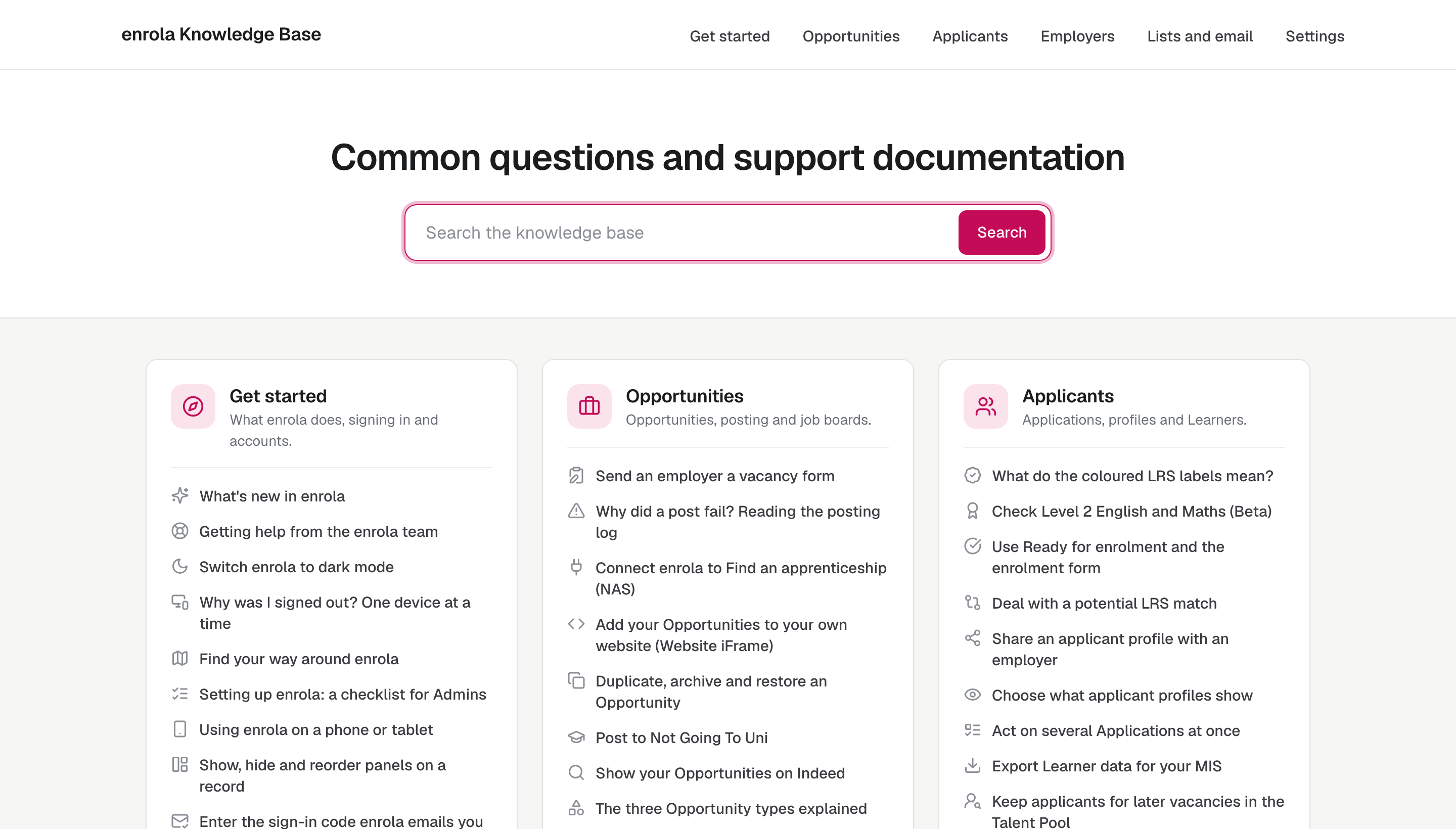
The help button in enrola answers questions itself. Ask in your own words, and AI answers replies from enrola’s help centre, with the enrola team a click away if you need a person.
Ask in your own words
Open the help button in the bottom-right corner of any enrola page and type your question, such as “How do I close a vacancy?” or “Why did my post to Find an apprenticeship fail?”. You do not need to know the name of the feature or where it lives in enrola.
Answers come from the help centre
AI answers replies from the enrola help centre at help.enrola.co.uk. The help centre has 115 articles in six collections, and the enrola team updated it for the 26 October 2026 release. AI answers is not connected to other websites.
A person when you need one
If the answer does not help, you can chat with the enrola team or send them a message from the same help button. You are signed in, so the team can see who is asking, and nobody has to type in an email address.
Getting a good answer
- Ask one thing at a time.
- Use the words you see on the screen, such as Opportunity, Application or Posting Control.
- Say what you are trying to do, not only what went wrong.
- When the answer matters, open the help centre article on the same subject and check it.
At the end of a conversation, AI answers asks how helpful it was.
What it does not do
AI answers cannot see the records in your enrola account, so it cannot tell you why one particular Application looks the way it does. For that, ask the enrola team. Help Scout, which provides the help button, says similar questions can get slightly different answers, so check anything important.
Read the help centre directly
Select your first name at the top right of any enrola page, then Knowledge base, to open the help centre in a new tab. You can browse it by collection or search it.
Questions
Does AI answers see our applicants’ data?
No. It replies from the enrola help centre only, and cannot see the records in your enrola account.
Can we still talk to a person?
Yes. From the same help button you can chat with the enrola team or send them a message.
Where do the answers come from?
From the articles in the enrola help centre at help.enrola.co.uk.