1. The vacancy becomes an Opportunity
You create an Opportunity with the vacancy’s description, location, salary, hours, duration and dates. If the employer holds details you need, you email them a form and merge their answers into the record.
2. You advertise it where applicants look
Posting Control posts the Opportunity to the job boards you choose. enrola checks each board’s rules first, including Find an apprenticeship’s, and the vacancy also appears on your enrola job board, your website and your Indeed feed.
See enrola with your own vacancies
Book a demo and the enrola team will show you how enrola would handle your vacancies, applicants and employers.
3. Applicants apply on your form
Every advert links to your own enrola application form, so applications from every board arrive in one place, labelled with the board they came from. Long forms can be split into steps, and applicants can upload a CV through a file upload question and find their address from their postcode and house number.
4. You check and assess each applicant
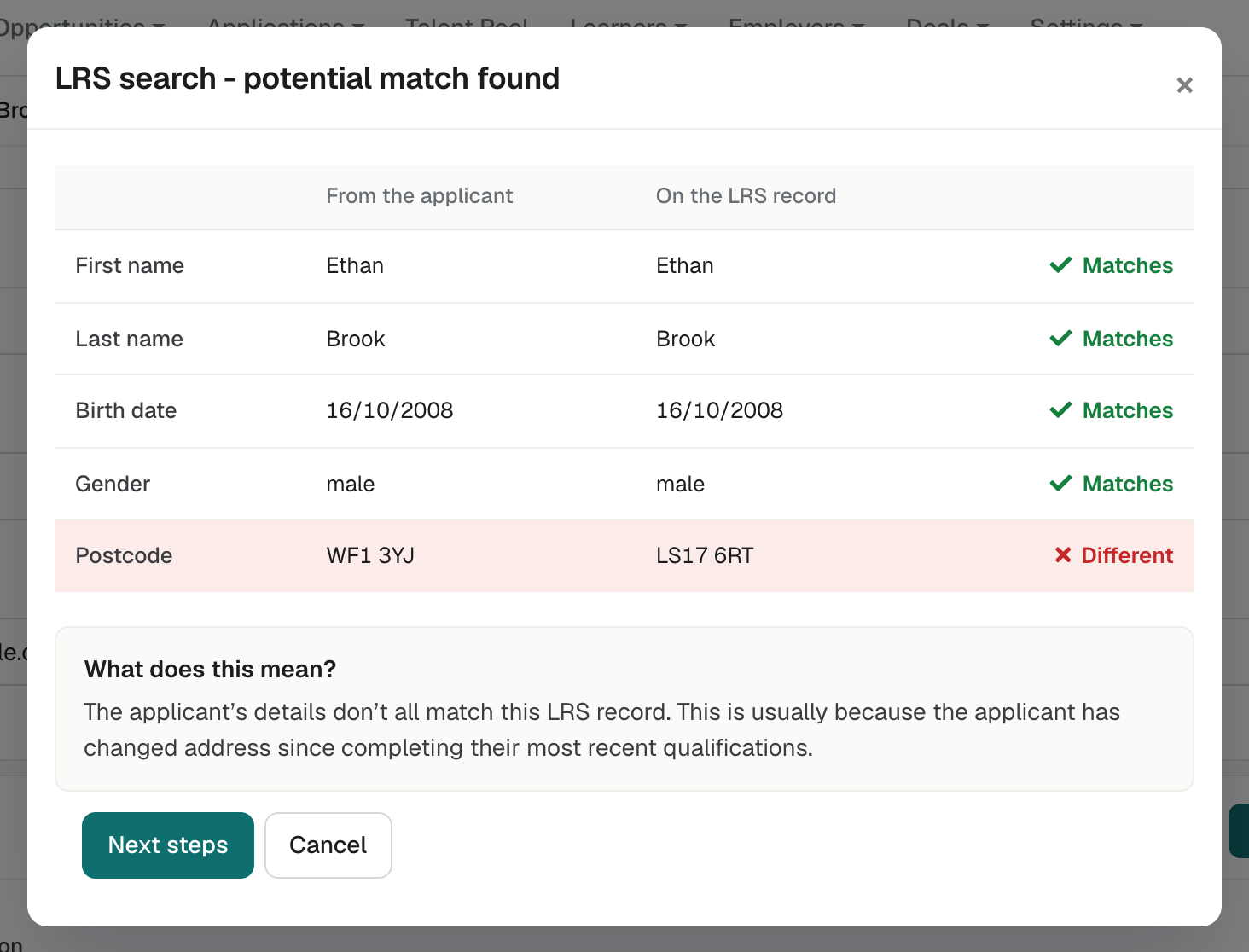
enrola looks up the applicant in the Learning Records Service and fetches BKSB assessment results where you use them. Your staff confirm the matches and move the Application through your workflow, where each status can send an email, a form or a request for more information.
5. Interviews are booked and confirmed
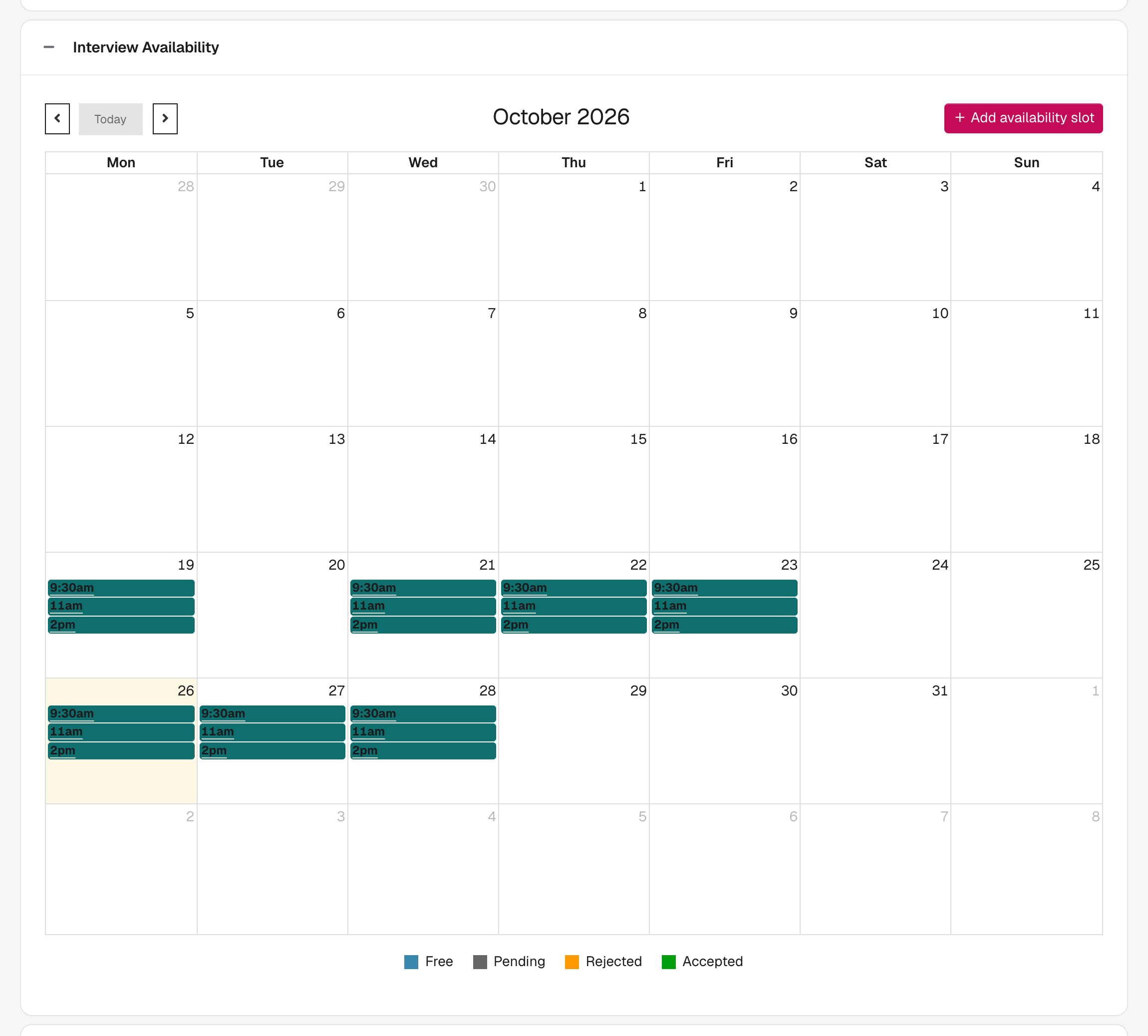
You open interview slots on the Opportunity and book applicants into them. The applicant and the interviewer each receive an email with links to accept or decline.
6. The employer reviews applicant profiles
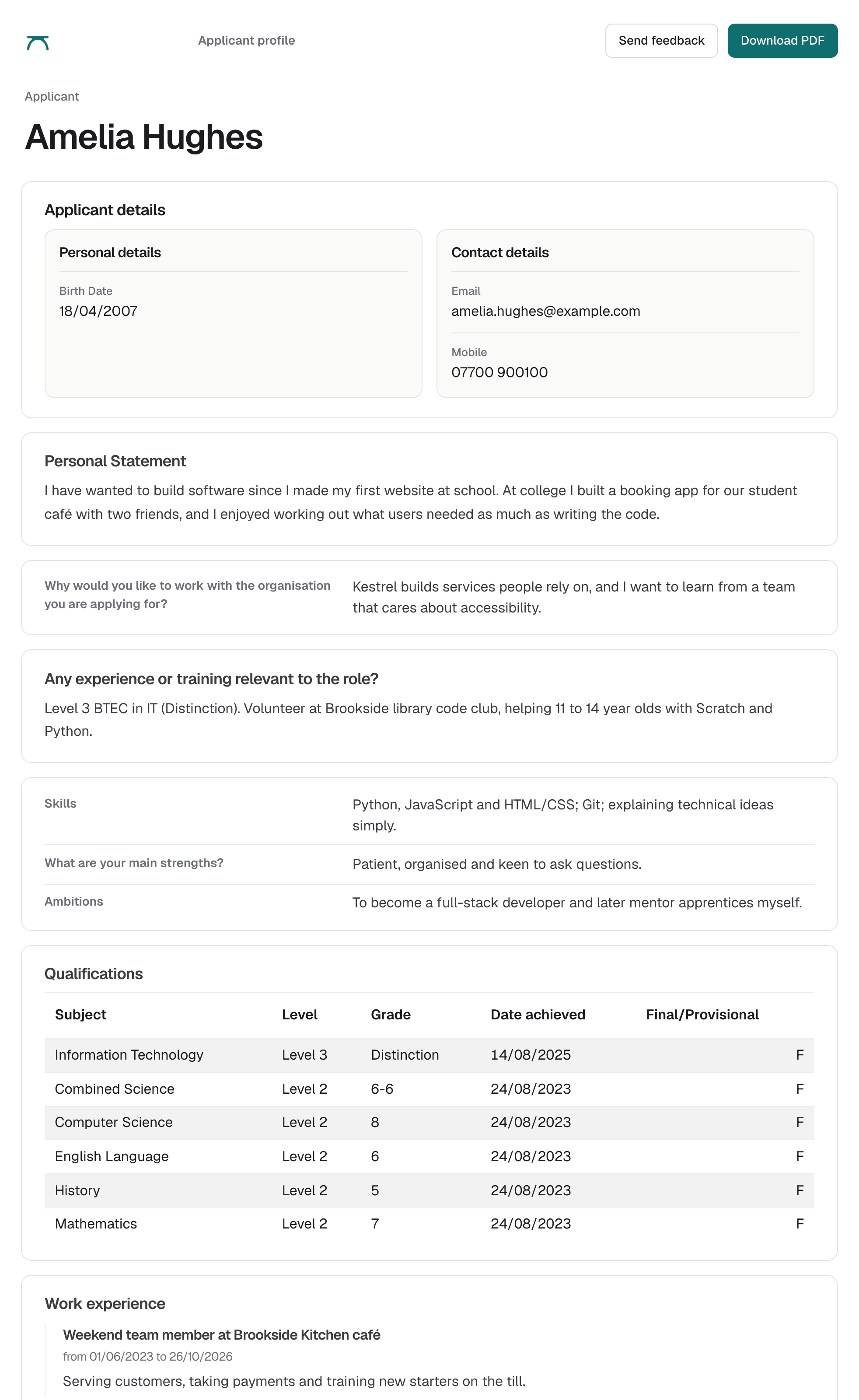
You send the employer a profile showing only the fields you choose. The employer replies with feedback or an interview request, and the Application’s status updates.
7. The apprentice is ready for enrolment
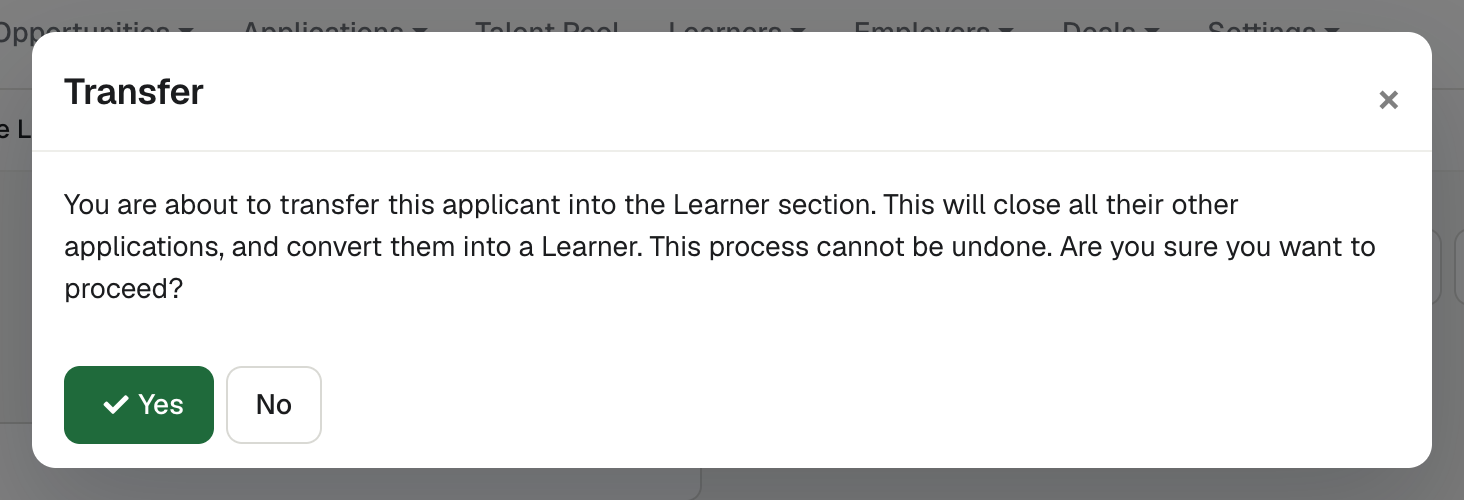
Ready for enrolment confirms the applicant’s place and closes their other open Applications, and the Opportunity is marked Filled once every position is filled. Create Learner record makes the Learner record, and enrola can create the learner in Pellcomp PiCS.
The records behind each step
| Step | Record in enrola | Who takes part |
|---|---|---|
| Vacancy | Opportunity | Your staff and the employer |
| Advert | Posting Control on the Opportunity | Your staff |
| Application | Application | The applicant |
| Assessment | Application and its workflow | Your staff |
| Interview | Interview on the Application | Applicant, interviewer and your staff |
| Employer review | Applicant profile | The employer |
| Enrolment | Learner | Your staff |
Questions
Does enrola replace our MIS?
Can applications from Find an apprenticeship come into enrola?
Can we change the steps?
Last reviewed 16 October 2026