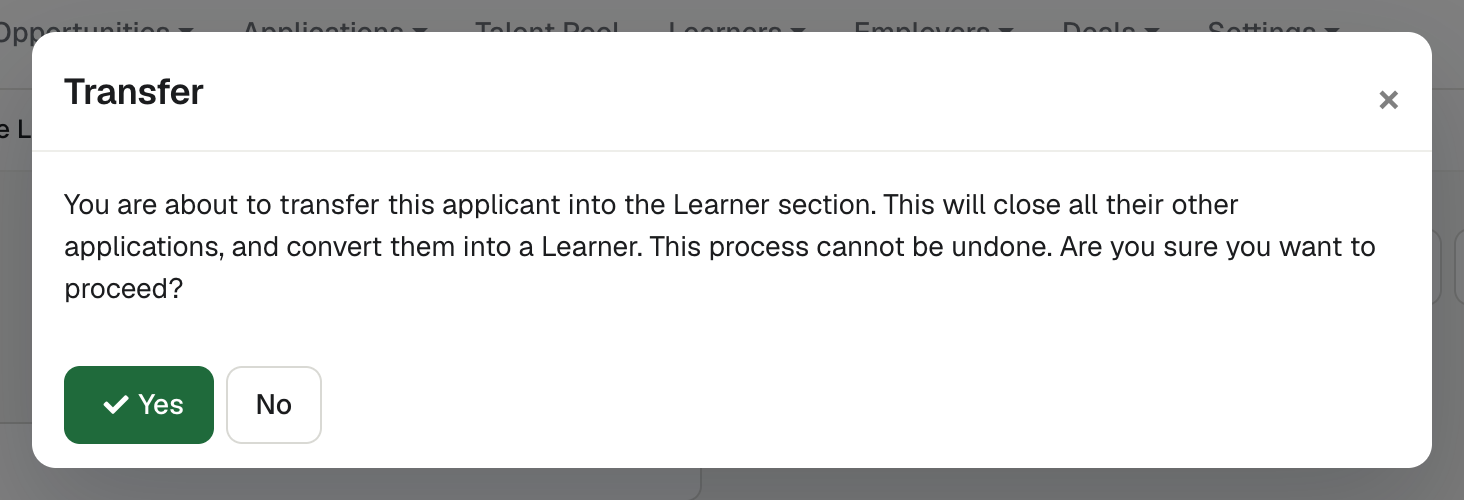
Ready for enrolment
Ready for enrolment confirms the applicant’s place and closes their other open Applications. Once every position is filled, the Opportunity is marked Filled.
Create Learner record
Create Learner record turns an Application into a Learner record.
It is available once the Application is Ready for enrolment. The new Learner is linked to its vacancy’s Employer record, and the link can be changed on the Learner’s Employment panel.
See enrola with your own vacancies
Book a demo and the enrola team will show you how enrola would handle your vacancies, applicants and employers.
A learner record built for apprenticeships
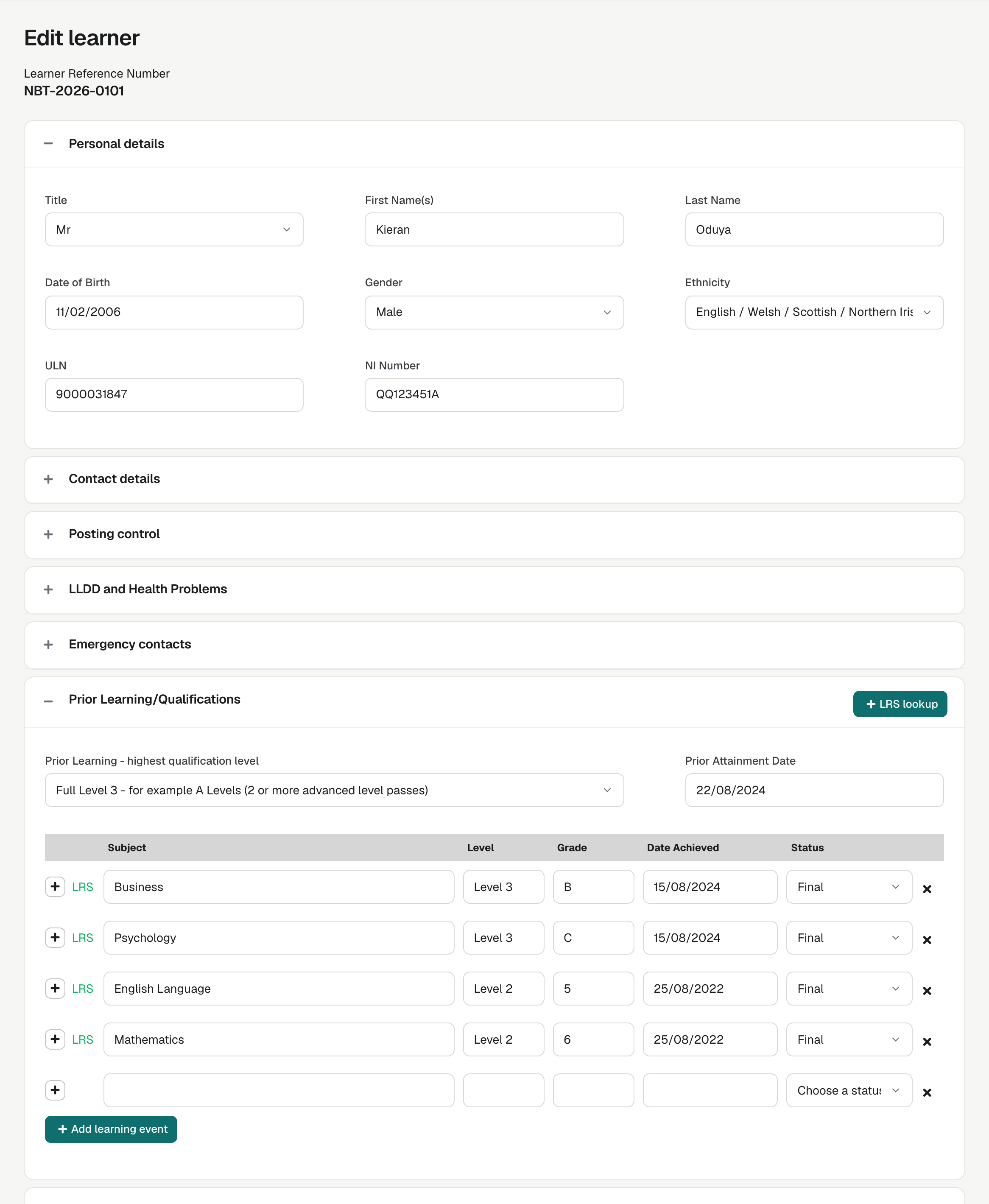
The Learner record holds the Unique Learner Number (ULN), learning difficulties and disabilities, prior attainment, funding and monitoring, training price, off-the-job hours, end-point assessment organisation, employment status and emergency contacts.
Look up, search and export
Learners can be looked up in the Learning Records Service, searched and exported to CSV, with the columns you choose. Admins can also import Learners from a CSV file.
LRS lookups that say what happened
On a Learner, the LRS lookup button says how many qualifications it loaded, or why the lookup failed, such as a missing ULN or name. Qualifications typed in by hand are kept; a lookup replaces only earlier LRS results.
Delete many Learners at once
Admins and Team Owners can delete many Learners at once from the Learners list, after typing how many will be deleted. Learners still being transferred are left in place.
Pass new learners to Pellcomp PiCS
At Ready for enrolment, enrola can create the learner’s record in Pellcomp PiCS.
Pass new learners to Bud
From a Learner record, staff transfer the learner to Bud through Posting Control. enrola creates the learner as an applicant in Bud with their name, email address and funding model, and Bud invites them to register.
How it works
- Move the successful Application to Ready for enrolment.
- Create a Learner record from the Application.
- Complete the Learner record.
- Export learner data for your MIS, create the learner in Pellcomp PiCS, or transfer them to Bud.