Fill your employers’ vacancies faster
Employers send you vacancies in many forms. In enrola you collect the details with a form you email to the employer, then post the Opportunity to Find an apprenticeship, your enrola job board and your website from Posting Control.
Give employers a better shortlist
enrola looks up each applicant in the Learning Records Service and fetches BKSB results where you use them. You then share applicant profiles with the employer, who replies with feedback or an interview request.
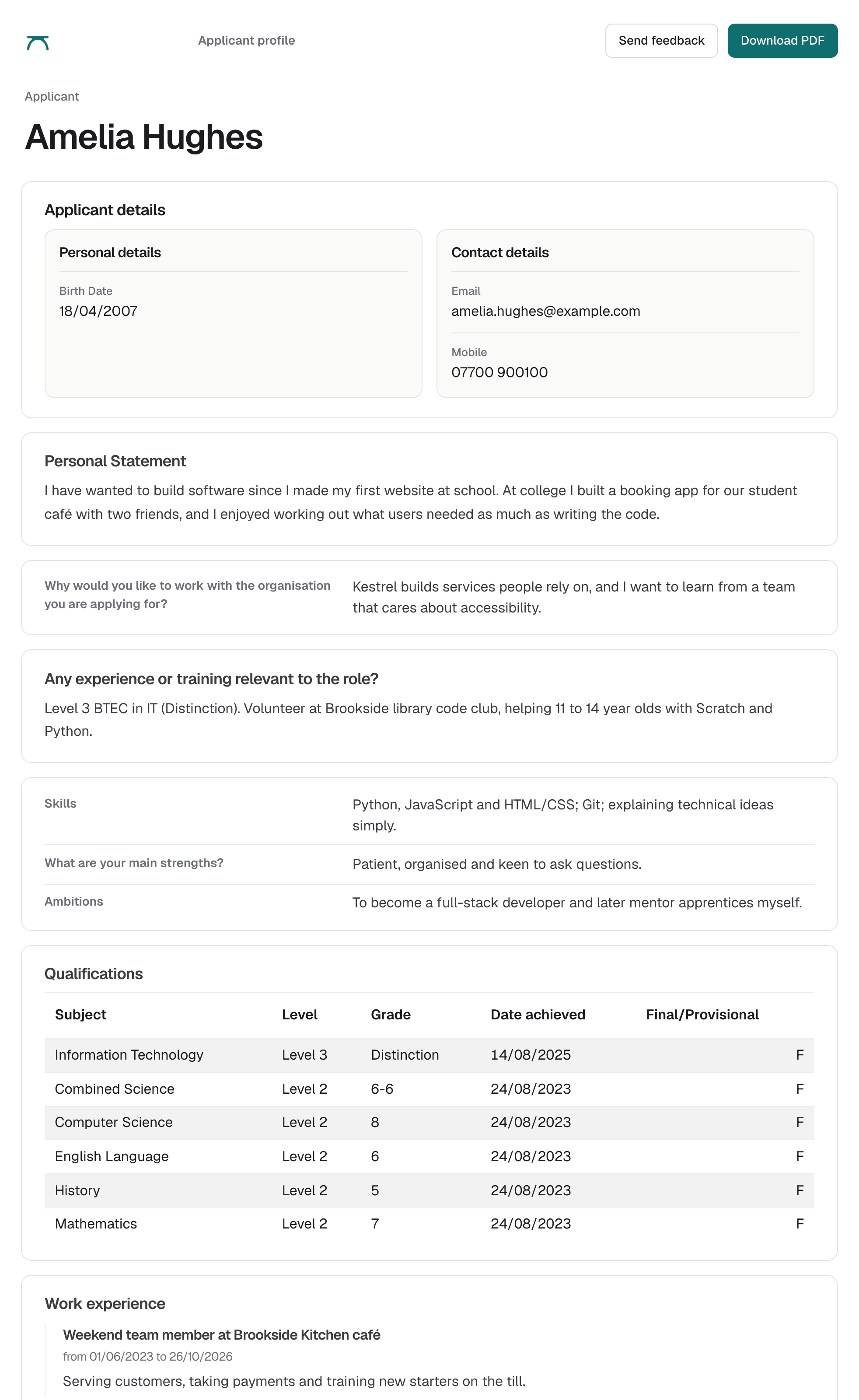
See enrola with your own vacancies
Book a demo and the enrola team will show you how enrola would handle your vacancies, applicants and employers.
Keep every employer relationship in one place
Employer records hold levy status, documents and every call, email and meeting your team has logged.
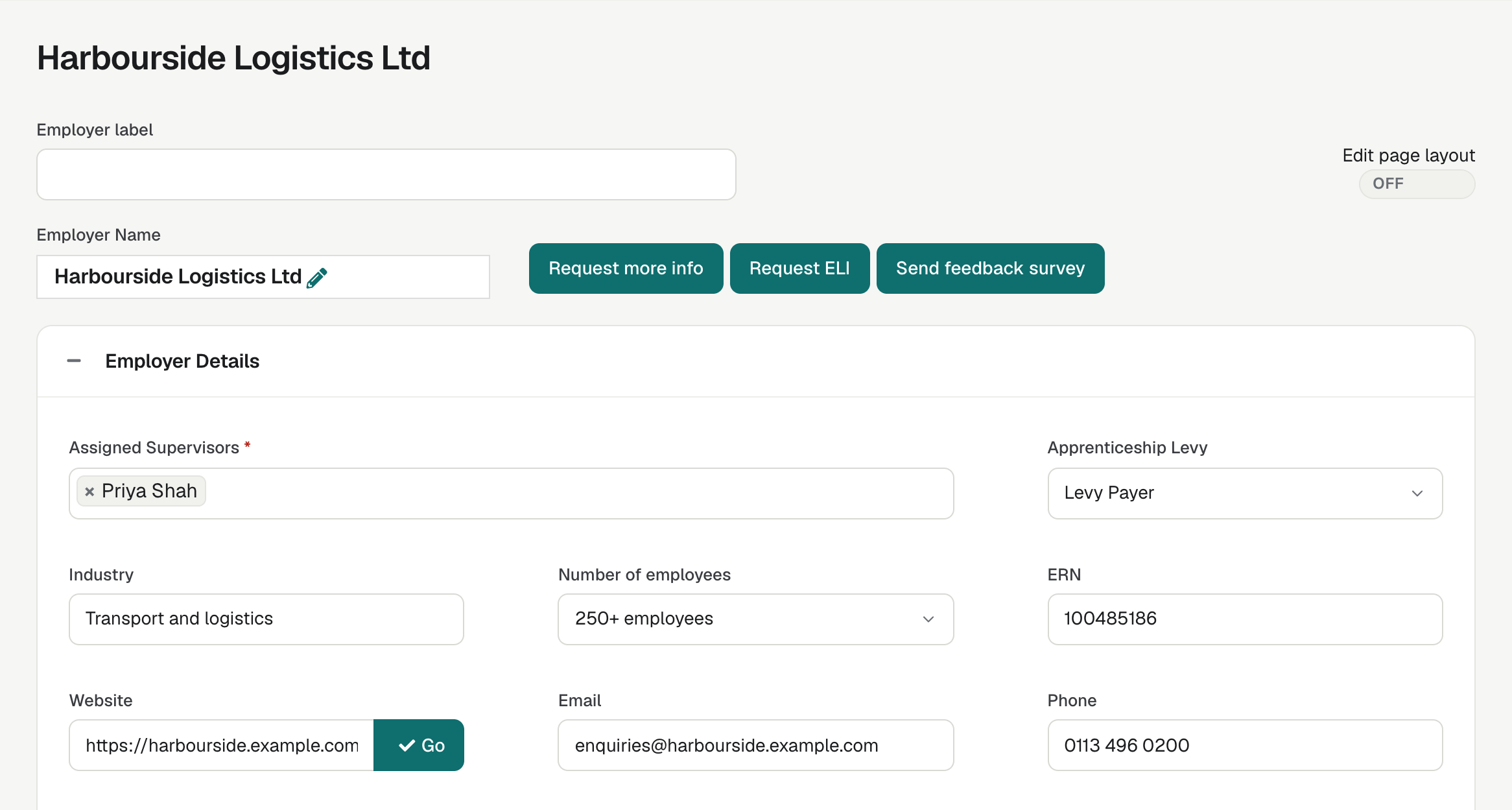
Run the same process every time
Your applicant workflow sends the right email or form at each step, so a new member of staff follows the same process as an experienced one.
Hand over to enrolment cleanly
Ready for enrolment confirms the applicant’s place, and Create Learner record makes the Learner record. enrola can also create the learner in Pellcomp PiCS.
Questions
Is enrola suitable for a small training provider?
Can employers see applicants without an enrola login?
Last reviewed 16 October 2026