Sign-in protection
Repeated failed sign-ins block sign-in for a while and email the user. The sign-in page shows the same message for an unknown email address as for a wrong password, and idle users are signed out automatically unless they chose to stay signed in on that device.
Sign-in codes
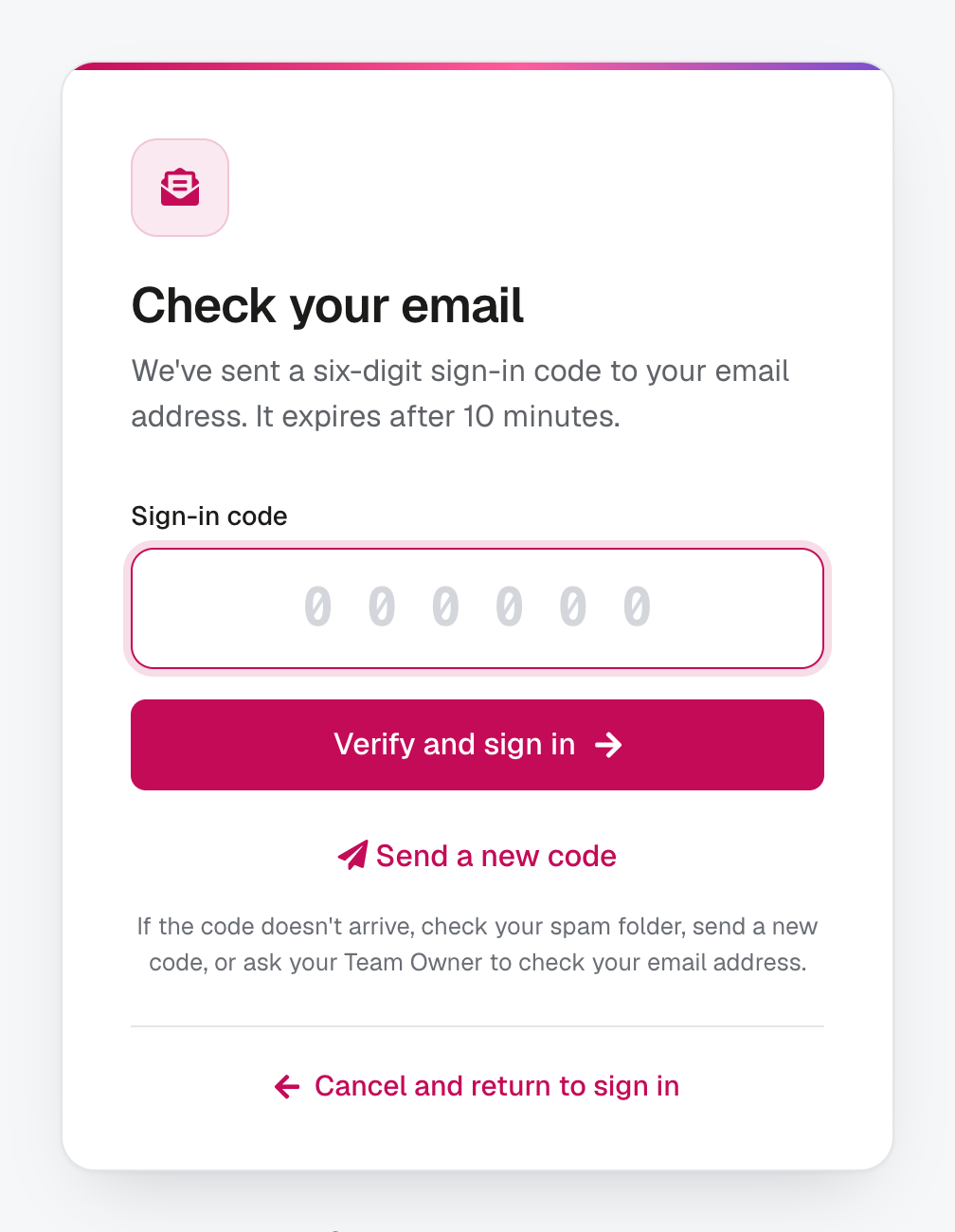
From 27 October 2026, signing in needs a six-digit code sent by email as well as your password. Each code works once, for 10 minutes. A device where you tick “Keep me signed in on this device” stays signed in without a new code.
After repeated wrong passwords, sign-in stays locked even with a correct code.
See enrola with your own vacancies
Book a demo and the enrola team will show you how enrola would handle your vacancies, applicants and employers.
Recovery codes when a code does not arrive
If a sign-in code email does not arrive, a recovery code can be used instead. Each user can make a set of 10, shown once and downloadable; each works once, and a new set cancels the old one. enrola emails the user when codes are made or used, and Team Owners are asked to set them up.
One session per user
Each user can be signed in on one device at a time, and an admin can sign a user out everywhere. Changing or resetting a password also signs the user out everywhere, and “keep me signed in” tokens are held on the server so they can be revoked.
Told when someone else changes your account
When someone else changes a user’s email address or password, enrola emails the user, at the old address for an email change, and signs them out everywhere.
A sign-in log without addresses
The sign-in log holds no email addresses and no IP addresses: only a code made from the email typed, the network range, and the browser and operating system. The enrola team uses it to help someone who cannot sign in. Nobody else can see it, and entries are deleted after 90 days.
Links that cannot be altered
Links to shared profiles and feedback surveys are signed, so they cannot be altered, and stop working after 30 days. Form links sent by email use random tokens and also stop working after 30 days.
Rich text cleaned on save
enrola cleans rich text, such as email templates and notes, when it is saved, so it cannot carry scripts.
A verified connection to the LRS
enrola checks the Learning Records Service’s certificate on every lookup, and holds its own LRS certificate encrypted.
Accounts without passwords in email
Account emails never contain passwords. New users choose a password through a link that expires after 7 days, and reset links expire after 1 hour.
Access by role
Users have one of four roles: Read Only, User, Admin or Team Owner. Integration keys are hidden on screen until an admin chooses to show them. Employers and applicants never sign in; they use links sent by email. A stored file can be downloaded only by someone who can see every record that uses it.
Hosting
enrola is hosted in the EU (Ireland), on two load-balanced web servers. Each release is tested on staging first, then rolled out one server at a time with automatic rollback.
Retention
| Data | Kept for |
|---|---|
| Deleted records | 3 months, restorable by the enrola team, then removed permanently |
| LRS lookup logs | 3 months |
| Sent-email delivery records | 6 months |
| Sign-in log | 90 days |
| Archived Applications | Until deleted, or a period an Admin chooses, from 3 months to 6 years |
Tools for handling personal data
- Consent statements can be added to application forms.
- An Application moves to another Opportunity only with the applicant’s logged agreement.
- Applicant profiles show employers only the fields you choose.
- Applicant details inserted into email templates are escaped or cleaned.
- The Application’s history keeps a copy of each status email sent from enrola.
Questions
Where is enrola data stored?
Does enrola ever email passwords?
What happens to deleted records?
Last reviewed 1 November 2026