What your provider may send you
| Link | What you do |
|---|---|
| Request for vacancy details | Fill in the fields your provider asks for; they review your answers |
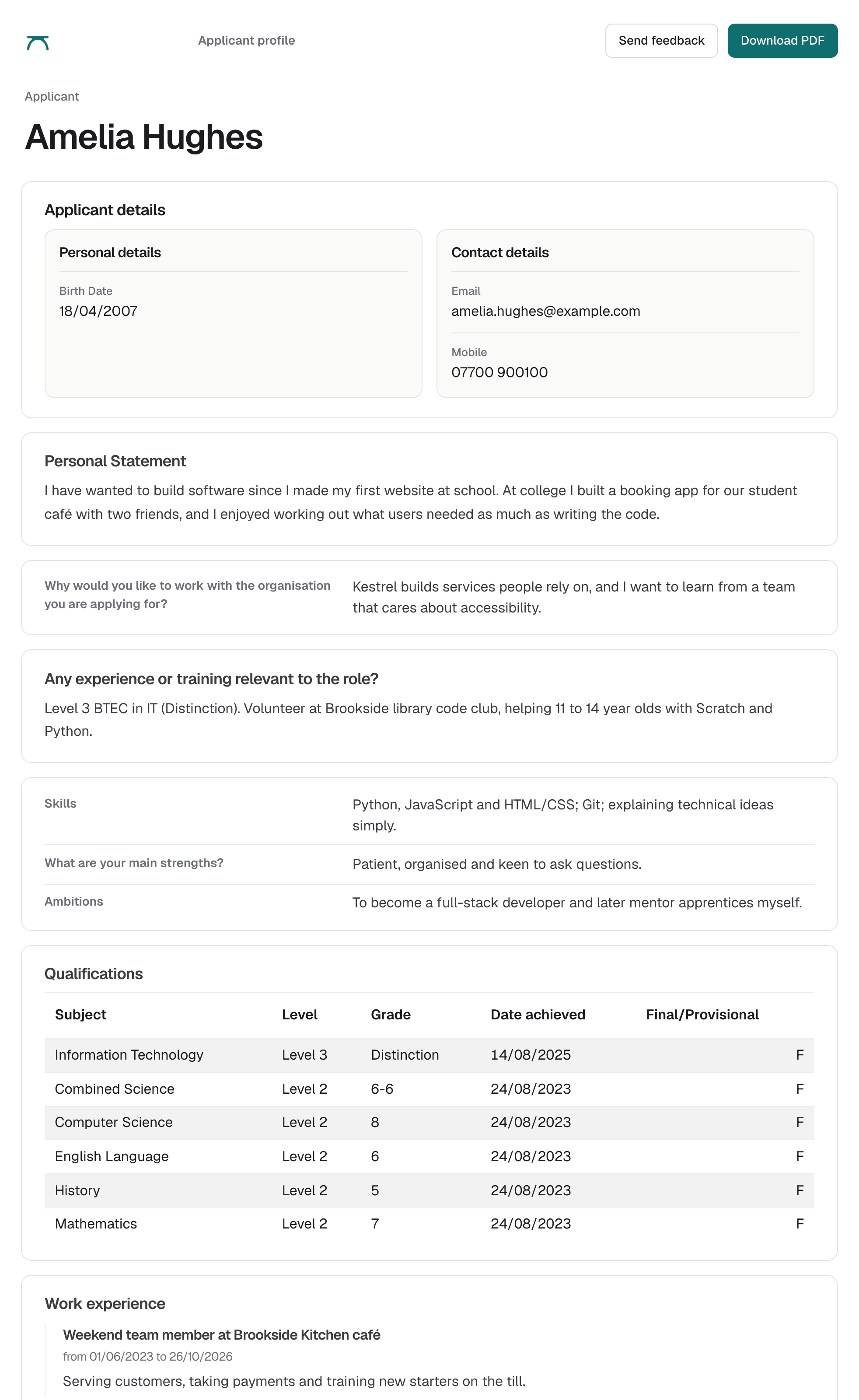
| Applicant profile | View the applicant, download a PDF and send feedback or ask for an interview |
| Interview invitation | Accept or decline from the email |
| Insurance certificate request | Upload your employer’s liability insurance certificate |
| Feedback survey | Tell your provider how the service went |
Applicant profiles
Your provider chooses which fields each profile shows. When you send feedback, your provider is notified.
Questions
Do I need an account to review applicants?
No. You open each applicant profile from a link in your email and reply from the same page.
Who do I contact about an applicant?
Contact your training provider. They manage the vacancy and the applicants in enrola.
Can I recruit apprentices through enrola directly?
enrola is used by training providers and colleges. To recruit an apprentice, work with a provider that offers the apprenticeship you need.
Last reviewed 16 October 2026