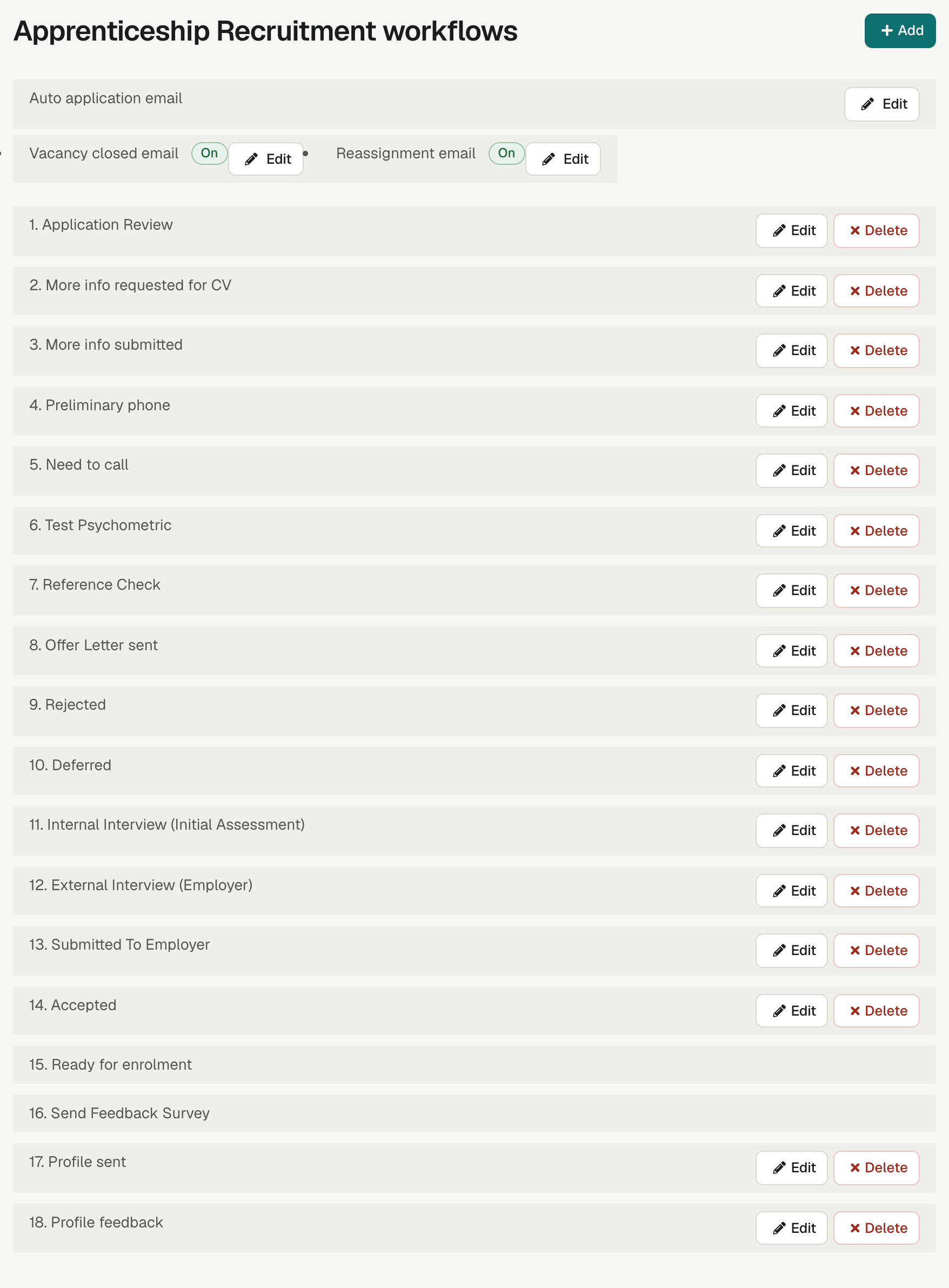
Your statuses, in your order
You decide the statuses in each workflow and their order. An apprenticeship workflow and a Quick Register workflow can be quite different.
Each status can take an action
Each status can take an action, such as emailing the applicant, emailing the employer, booking an interview, requesting more information, sending a form or sending a feedback survey. Emails use templates with merge tags, so each message is personal.
See enrola with your own vacancies
Book a demo and the enrola team will show you how enrola would handle your vacancies, applicants and employers.
Common status actions
| Action | What happens |
|---|---|
| Applicant email | The applicant receives a templated email |
| Interview | You book an interview; internal interviews can be booked for many applicants to the same Opportunity at once |
| More info requested | The applicant receives a form and a text message link |
| Form | The applicant completes a form, saved to the record as a PDF |
| Profile sent | The applicant’s profile is shared with an employer |
| Feedback survey | The applicant receives a short survey |
| Ready for enrolment | The applicant’s place is confirmed and their other Applications close |
Leaving Ready for enrolment needs a reason
Moving an Application out of Ready for enrolment requires a reason, which is recorded.
Ready for enrolment closes the loop
Ready for enrolment confirms the applicant’s place and closes their other open Applications, and the Supervisors of those Applications are told by email. Once every position is filled, the Opportunity is marked Filled.
Employers have workflows too
Employers have their own workflow of activity and email statuses, and Contacts have their own workflow of statuses, so employer engagement follows a set process as well.
How it works
- Open Settings and choose the applicant workflow for an Opportunity type.
- Add statuses, set their order and choose each one’s action.
- Write the email templates the statuses use.
- Move Applications through the workflow from the list or the record.
Questions
Can enrola send emails automatically when an applicant’s status changes?
Can we have a different process for different types of vacancy?
Can an applicant be moved back out of Ready for enrolment?
Last reviewed 16 October 2026